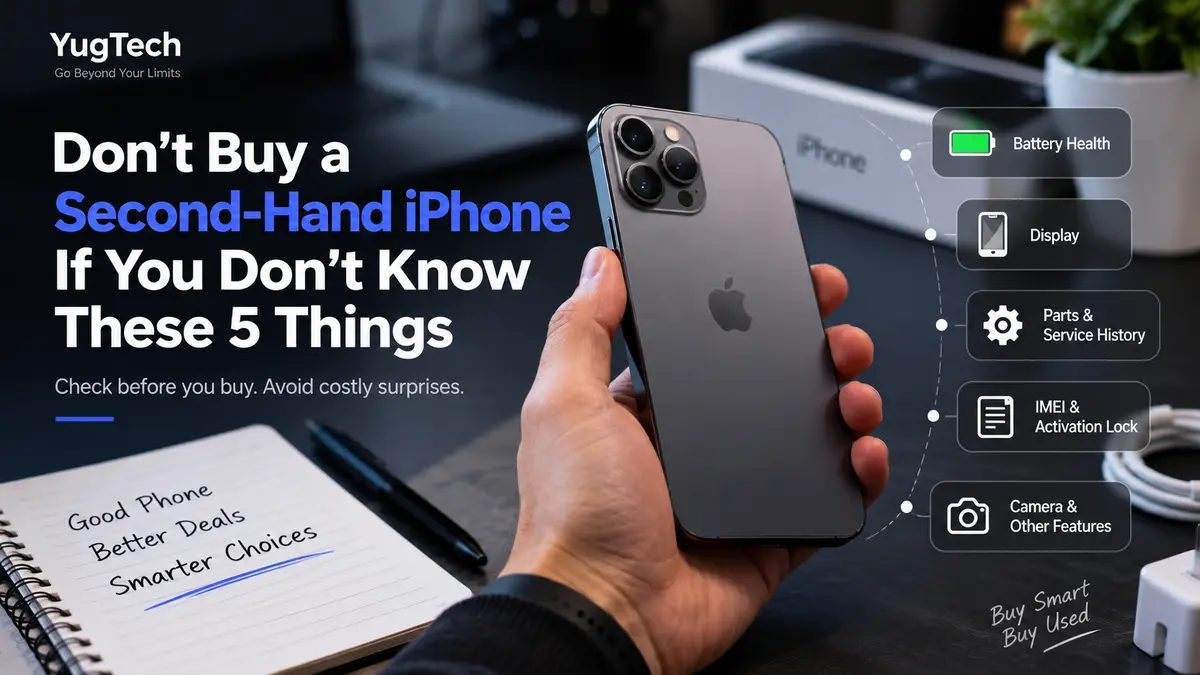
Don’t Buy a Second-Hand iPhone If You Don’t Know These 5 Things
Buying a second-hand iPhone can be a smart way to get a premium smartphone at a much lower price. You can often get a previous-generation iPhone with a great camera, powerful performance, and excellent build quality without paying the price of a brand-new device.
But there is one major problem: not every used iPhone is in the condition it appears to be.
A phone may look clean and work normally at first, but it could have a weak battery, replaced parts, display issues, Face ID problems, water damage, or even an Activation Lock.
That is why you should never buy a second-hand iPhone based only on its appearance or price.
Before buying one, make sure you know these
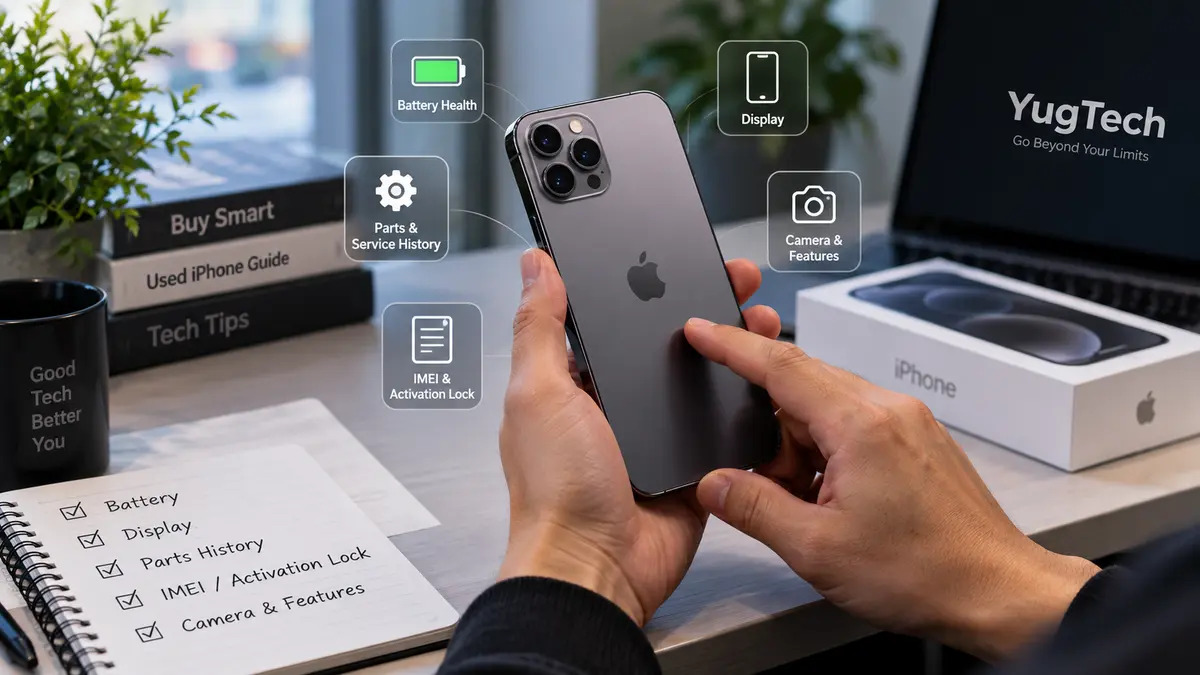
5 important things to check.
1. Check the Battery Health
The battery is one of the most important things to check when buying a second-hand iPhone.
Unlike a new iPhone, a used iPhone has already gone through months or years of charging cycles. As the battery ages, its maximum capacity gradually decreases, which can result in shorter battery life and unexpected performance issues.
How to Check iPhone Battery Health
On the iPhone, go to:
Settings → Battery → Battery Health & Charging
Look for Maximum Capacity.
A higher percentage generally means the battery has retained more of its original capacity. If the battery health is significantly degraded, you may need to replace the battery sooner.
However, don't look at battery percentage alone.
Also check whether the phone displays any important battery-related service messages and ask whether the battery has been replaced.
Why Battery Health Matters
Imagine finding a second-hand iPhone at a very attractive price, only to discover shortly after purchasing it that the battery drains quickly and needs replacement.
The cheaper purchase price may not be as good a deal after all.
Tip: Always check battery health before buying a used iPhone and consider the battery condition when comparing prices between different devices.
2. Check the Display and Touchscreen Carefully
The display is another area where you should be extremely careful.
A second-hand iPhone may have had its screen replaced during its previous ownership. A replacement display isn't necessarily a problem, but you should know whether the screen has been replaced and whether it is functioning properly.
What Should You Check?
Open different apps and carefully test the entire screen.
Check for:
Dead or unresponsive touch areas
Flickering
Unusual colors
Bright or dark spots
Lines on the display
Cracks or deep scratches
Uneven brightness
Touch delay or ghost touches
Don't just test the center of the screen. Swipe your finger around all four edges and corners to make sure the touchscreen responds properly.
You should also check important features such as True Tone, depending on the iPhone model and repair history.
Why the Display Matters
A display replacement can be expensive, and poor-quality replacement screens can affect the overall experience of using the phone.
The screen might look fine during a quick inspection, but problems can become obvious after regular use.
So take a few minutes to properly test it before purchasing.
3. Check Whether Important Parts Have Been Replaced
This is one of the most important things many people forget when buying a used iPhone.
A phone can look almost brand new even after having several components replaced.
Depending on the model and iOS version, Apple provides information about certain parts and service history.
Where to Check
Go to:
Settings → General → About
If available on the device, look for the Parts and Service History section.
Depending on the model and repair, you may see information related to components such as:
Battery
Display
Camera
Other major components
The exact information available can vary depending on the iPhone model and iOS version.
Why This Matters
A repaired iPhone isn't automatically a bad iPhone.
In fact, a properly repaired device can work perfectly well.
The important thing is knowing what has been repaired or replaced.
For example, if you're buying an iPhone that has had its display replaced, you should know that before deciding whether the asking price is reasonable.
Transparency is much more important than simply buying a phone that looks perfect.
4. Check the IMEI, Activation Lock and Network Status
Before buying any second-hand iPhone, you should verify that the device is legitimate and can actually be used normally.
Check the IMEI
You can find the IMEI in:
Settings → General → About
You can also check the IMEI using the appropriate device information or packaging, although you should be careful that the identifiers match.
Check Activation Lock
One of the biggest problems you can encounter when buying a used iPhone is Activation Lock.
If the previous owner's Apple Account is still linked to the device, you may not be able to properly activate and use the iPhone.
The seller should remove their account from the device before you complete the purchase.
Never assume that because the phone turns on, it is ready for a new owner.
Check Network and Carrier Status
If you're buying an iPhone intended for use with a particular mobile network, also make sure the device is compatible with your carrier and doesn't have an unwanted carrier restriction.
For used iPhones, checking these details before paying is far better than discovering a problem after taking the phone home.
5. Test the Camera, Face ID, Speakers, Charging and Other Features
A used iPhone can have problems that aren't immediately visible.
That's why you shouldn't stop checking after looking at the screen and battery.
You should actually test the important functions of the phone.
Camera
Open the camera and test:
Front camera
Rear camera
Different camera lenses
Video recording
Autofocus
Flash
Portrait mode, where supported
Take a few photos and videos and review them carefully.
Face ID
If the iPhone supports Face ID, make sure it works properly.
Face ID is an important feature, and problems with it can be frustrating to discover after purchase.
Speakers and Microphone
Play audio through the speakers and check whether the sound is clear.
You should also make a test recording or call to check the microphone.
Charging Port
Connect a compatible charging cable and make sure the phone charges normally.
Check that the cable connects securely and that the charging port doesn't appear loose or damaged.
Buttons and Connectivity
Test:
Volume buttons
Side button
Silent switch or Action button, depending on model
Wi-Fi
Bluetooth
Mobile network
Vibration
Proximity sensor
It may take only a few minutes, but these checks can save you from expensive surprises later.
Don't Choose a Used iPhone Based Only on Price
One of the biggest mistakes buyers make is looking for the cheapest possible iPhone.
A cheaper phone isn't always the better deal.
For example, two iPhone 13 models may have completely different conditions.
One might have:
Better battery health
Original components
Clean physical condition
Properly functioning Face ID
No major repairs
While another might have:
A heavily used battery
Replaced display
Camera problems
Damaged charging port
Previous repair history
Both may be advertised as an "iPhone 13," but they are not necessarily worth the same amount.
Condition matters just as much as the model.
Should You Buy a Second-Hand iPhone?
Yes — if you know what you're buying.
A used iPhone can offer excellent value, especially if you're looking for a premium device without paying the full price of a new one.
But don't rush because you see a low price.
Take time to inspect the phone, verify its important information, test its features, and ask the seller about its history.
If the seller doesn't allow you to properly inspect or test the device, that's a reason to be cautious.
Buying a Used iPhone Without the Hassle
Not everyone has the time or technical knowledge to thoroughly inspect a second-hand iPhone.
This is where buying from a reputable used-device seller can make the process easier.
At YugTech, used devices can be inspected before being listed for sale, including checking important areas such as the display, battery, physical condition, cameras, and other key functions.
Instead of simply judging a phone by how it looks, proper inspection helps buyers make a more informed decision.
When buying a second-hand iPhone, the goal shouldn't simply be to find the cheapest device.
The goal should be to find a reliable device at a fair price.
Final Checklist Before Buying a Second-Hand iPhone
Before paying for a used iPhone, remember these five checks:
1. Battery — Check battery health and any battery service information.
2. Display — Test the entire touchscreen and look for display problems.
3. Parts & Repairs — Check available parts and service history and ask about previous repairs.
4. IMEI & Activation Lock — Verify the device information and make sure it can be activated normally.
5. Functions — Test the camera, Face ID, speakers, microphone, charging port, buttons and connectivity.
A few minutes of careful checking can save you from a lot of trouble later.
Buying used doesn't have to be risky. You just need to know what to check.
Frequently Asked Questions
Is buying a second-hand iPhone safe?
Yes. Buying a second-hand iPhone can be safe if you properly inspect the device, verify its status, check its battery and parts history, and purchase from a trustworthy seller.
What battery health is good for a used iPhone?
There isn't one universal percentage that makes an iPhone "good" or "bad." Higher battery health generally means more remaining capacity, but you should also consider the phone's age, price, overall condition and whether the battery has been replaced.
How do I know if an iPhone has been repaired?
On supported iPhone models and iOS versions, you can check:
Settings → General → About → Parts and Service History
You should also ask the seller directly about previous repairs.
Should I buy an iPhone with a replaced screen?
A replaced screen doesn't automatically mean the iPhone is bad. What matters is whether the replacement was done properly, whether the display works correctly, and whether the price reflects the device's condition.
What should I check before paying for a used iPhone?
At minimum, check the battery, display, parts and service history, IMEI and Activation Lock status, cameras, Face ID, speakers, microphone, charging port, buttons and connectivity.
Is a cheap second-hand iPhone always a good deal?
No. A very low price can sometimes indicate poor battery health, previous damage, replaced components or other problems.
Always evaluate the phone's overall condition and history, not just its price.