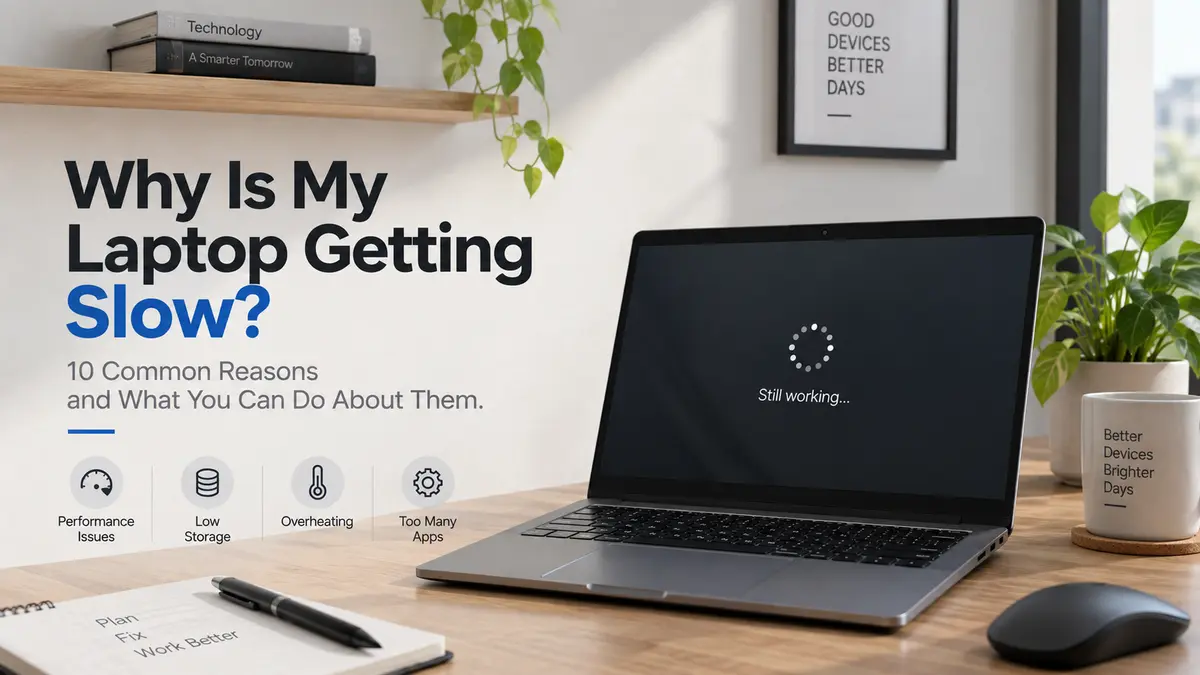
Why is my laptop getting slow? If your laptop was fast when you first bought it but has gradually become sluggish, you’re not alone. A slow laptop may take longer to start, programs may open slowly, and even simple tasks like browsing the internet can become frustrating.
The good news is that a slow laptop doesn’t always mean you need to replace it. Issues such as insufficient RAM, low storage space, too many startup programs, overheating, outdated software, background processes, or an aging hard drive can all affect your laptop’s performance.
In this guide, we’ll cover the 10 most common reasons why your laptop is getting slow and explain what you can do to identify the problem and improve your laptop’s speed and overall performance.
1. Too Many Programs Running
One of the most common reasons for a slow laptop is having too many programs running at the same time. For example, you might have Chrome, Spotify, Microsoft Word, Teams, and several other applications open together. Each program uses your laptop's resources.
What you can do:
Close programs you aren't using and check Task Manager to see which applications are using the most CPU or RAM.
2. Too Many Programs Starting With Windows
Some programs automatically start every time you turn on your laptop. You may not even notice them, but they can make Windows take longer to start and use memory in the background.
What you can do:
Open Task Manager → Startup apps and disable programs you don't need to start automatically.
Be careful not to disable important Windows or hardware-related programs.
3. Your Storage Is Almost Full
When your SSD or hard drive is nearly full, your laptop can start experiencing performance problems.
Large videos, downloads, old files, and unused applications can take up a lot of space.
What you can do:
Remove files you don't need, uninstall unused applications, and keep some free storage available.
4. You Have Too Many Browser Tabs
Modern browsers can use a significant amount of RAM, especially when you have many tabs open. Having 20, 30, or more tabs open can put additional pressure on your laptop.
What you can do:
Close tabs you're no longer using or use your browser's tab-saving features. If you regularly work with many tabs, having more RAM can also help.
5. Not Enough RAM
If your laptop has limited RAM, it may struggle when you run several applications at once.
For example, a laptop with 4GB RAM may struggle much more with modern multitasking than one with 8GB or 16GB.
When available RAM becomes low, Windows may rely more heavily on storage, which is much slower than RAM.
What you can do:
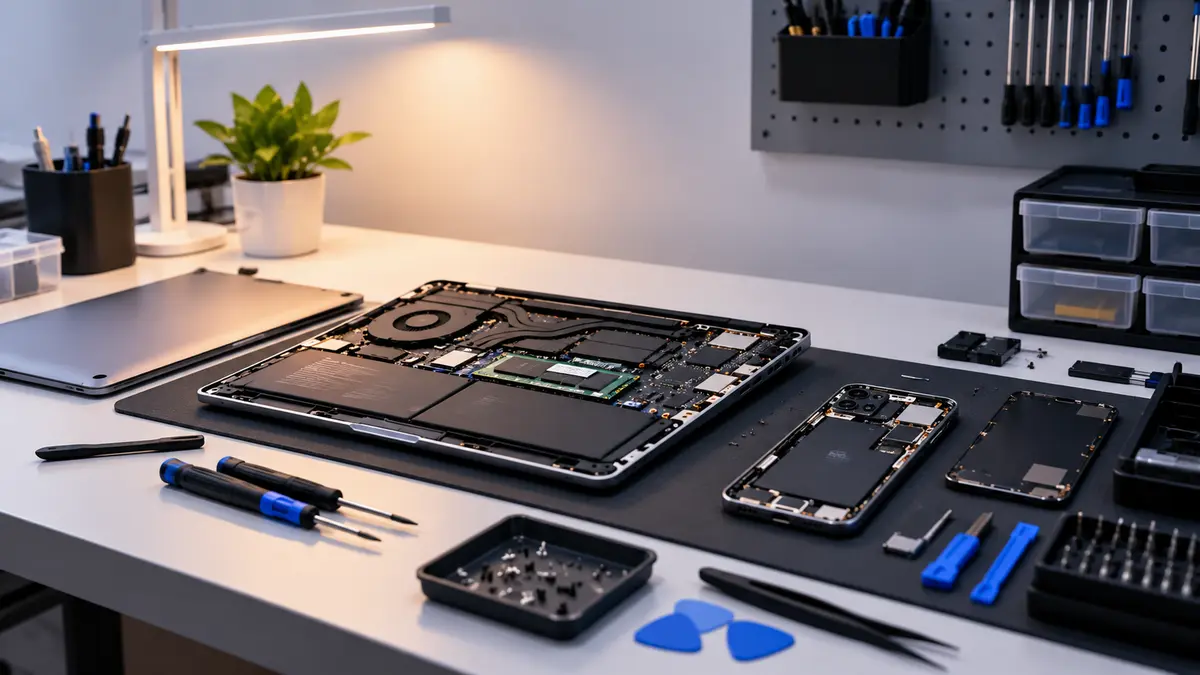
If your laptop supports RAM upgrades, increasing the RAM can improve multitasking performance.
6. Your Laptop Is Overheating
A laptop that gets too hot can reduce its performance. When the processor becomes too hot, the laptop may automatically reduce its performance to control the temperature.
You may also notice that the fan becomes very loud.
What you can do:
Keep the air vents clear
Don't use the laptop on soft surfaces like a bed
Clean dust from the cooling system
Consider professional servicing if overheating continues
7. Dust Has Built Up Inside
Over time, dust can collect inside the laptop and block airflow. This can affect the cooling system and cause the laptop to run hotter. This is especially important for laptops that are used in dusty environments.
What you can do:
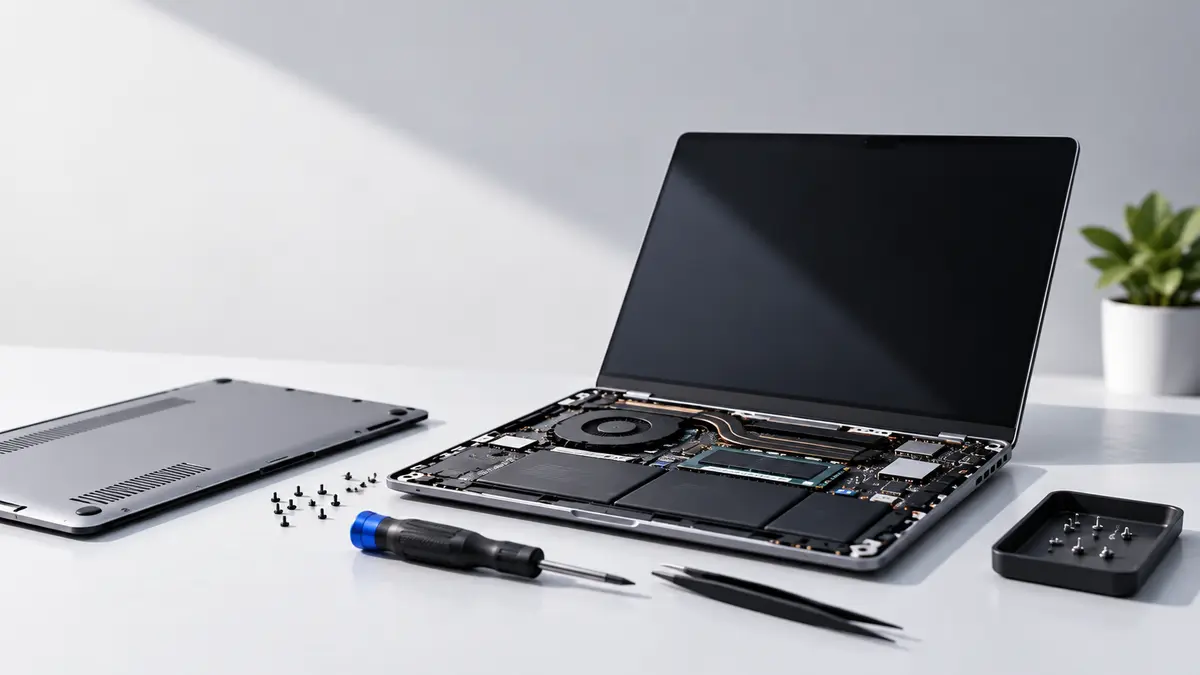
Have the laptop's cooling system properly cleaned and serviced when necessary. Avoid opening the laptop yourself if you aren't familiar with laptop hardware.
8. Your Storage Drive Is Old or Having Problems
Not every slow laptop problem is caused by Windows or RAM. An aging or unhealthy storage drive can also cause slow boot times, application loading, freezing, or unexpected errors. This is especially important with older hard disk drives (HDDs).
What you can do:
Check the health of the storage drive.
If an old HDD is still being used, upgrading to an SSD can make a very noticeable difference in everyday responsiveness.
9. Windows or Software Problems
Sometimes the hardware is fine, but Windows or installed software is causing the problem.
Background processes, outdated drivers, software conflicts, or other system issues can affect performance.
What you can do:
Keep Windows updated
Update important drivers
Remove unnecessary software
Run a security scan
Restart your laptop regularly
10. Your Laptop Is Simply Too Old for Your Current Work
Sometimes the laptop isn't actually broken.
Your needs have simply changed.
A laptop that was perfectly fine for browsing and Microsoft Office several years ago may struggle with modern software, heavier websites, video editing, programming, or other demanding workloads.
For example, you may have started with basic Office work but now regularly use heavy applications.
What you can do:
Check your laptop's processor, RAM, storage, and other hardware against the requirements of the software you currently use.
Sometimes an upgrade can help. In other cases, replacing the laptop may make more sense.
Before You Buy a New Laptop
If your laptop has become slow, don't immediately assume you need a new one.
First check:
Is the storage almost full?
Is RAM being heavily used?
Are too many programs running?
Is the laptop overheating?
Is the storage drive healthy?
Is Windows or another software causing the problem?
Can the RAM or SSD be upgraded?
A simple SSD or RAM upgrade, cleaning, or software cleanup can sometimes give an older laptop a new lease on life.