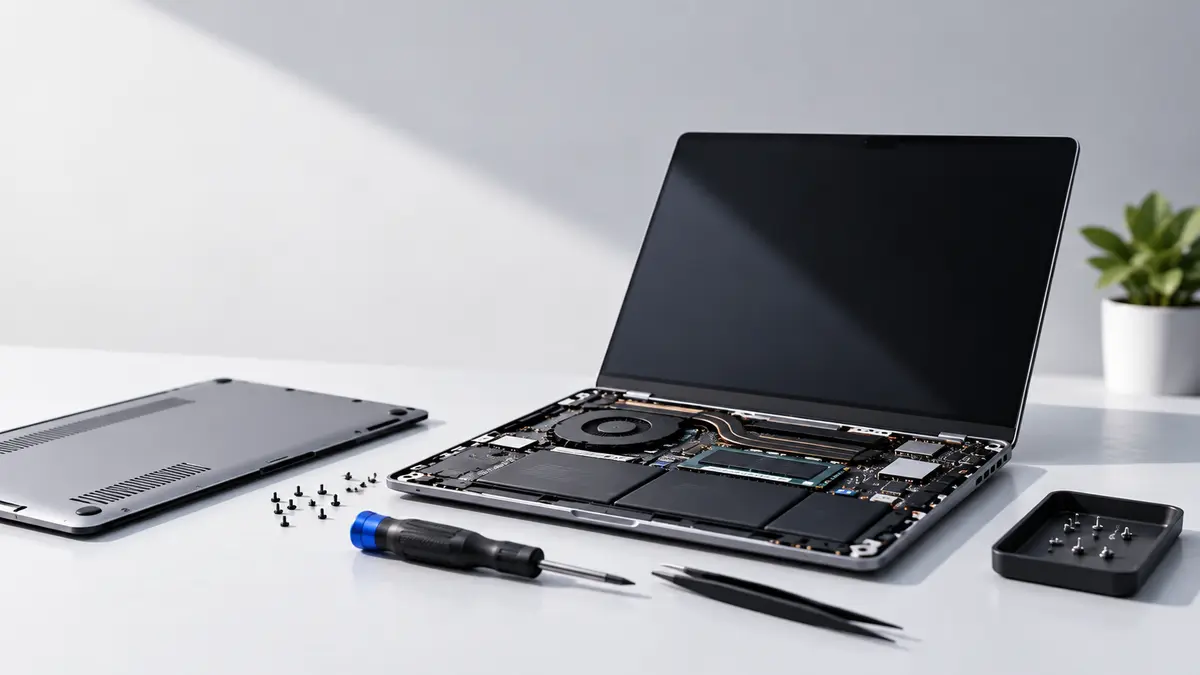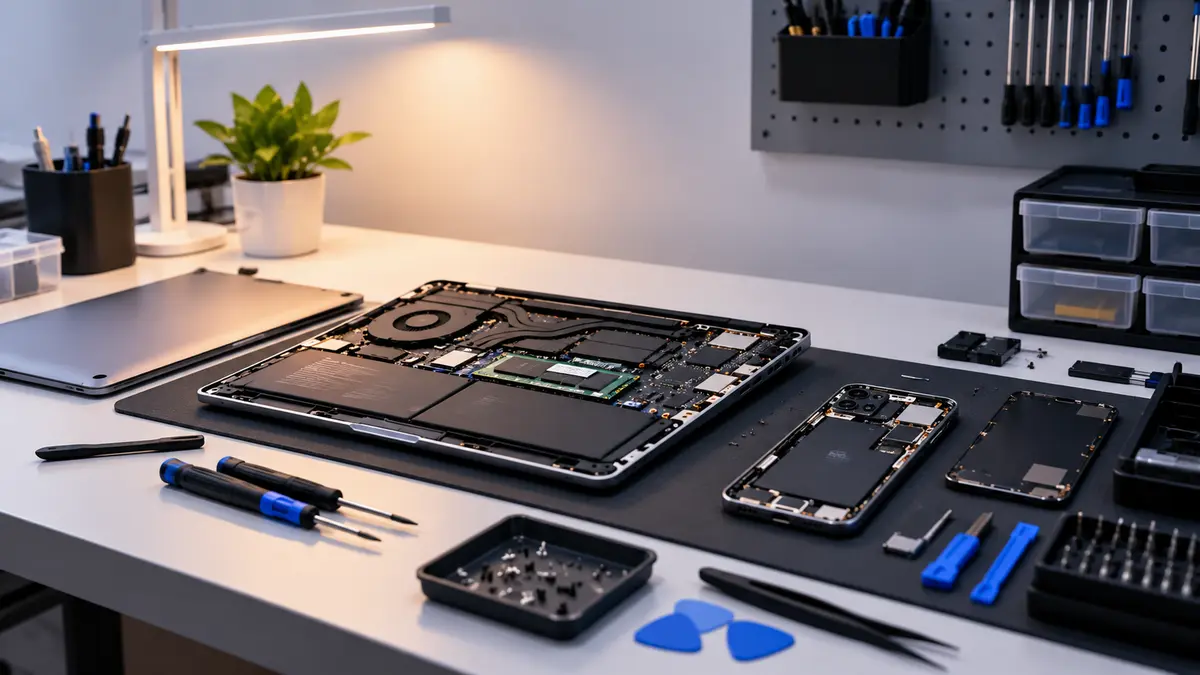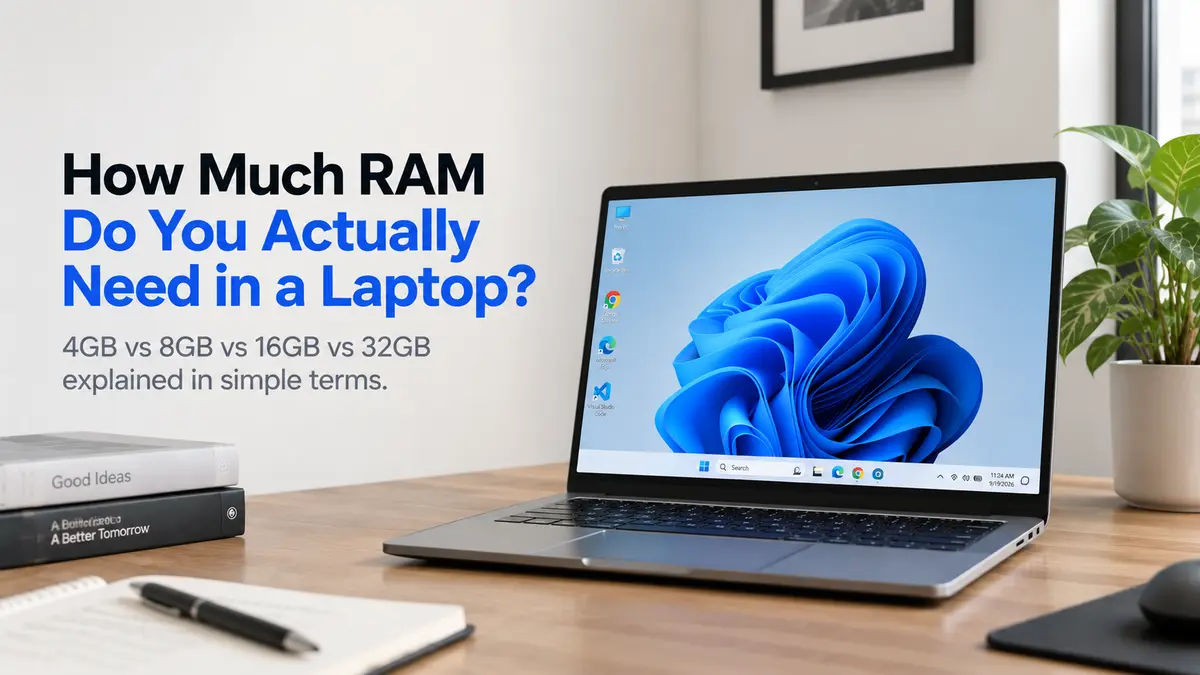
Ever wondered how much RAM do you actually need in a laptop? When buying a laptop, one of the specifications you will see everywhere is RAM. You might see laptops with 4GB, 8GB, 16GB or even 32GB of RAM. But does more RAM always mean a better laptop? Not necessarily. The amount of RAM you need mainly depends on what you use your laptop for.
Let's understand the differences in simple terms.
What Is RAM?
RAM stands for Random Access Memory. In simple words, RAM is the laptop's temporary working space.
Think about your study table. When you're studying, you put your books, notebook, calculator, and other things on the table so you can use them quickly. The bigger the table, the more things you can keep open and work with at the same time. RAM works in a similar way.
When you open Chrome, Microsoft Word, Spotify, or Photoshop, your laptop uses RAM to keep those programs ready for you. More RAM gives your laptop more working space for handling multiple programs at the same time.
Why Do People Get Confused About RAM?
A common misunderstanding is:
"More RAM means the laptop is automatically faster."
That's not always true.
RAM is only one part of a laptop's performance. The processor, SSD, graphics, and other components also matter.
For example, imagine two laptops:
Laptop A: 8GB RAM + powerful modern processor + fast SSD
Laptop B: 16GB RAM + weaker processor + slower storage
Laptop B has more RAM, but that doesn't automatically mean it will be faster in every situation.
Another common misunderstanding is that RAM and storage are the same thing. They aren't.
RAM = temporary working space
SSD = long-term storage for your Windows, apps, photos, videos, and files
So, when someone says "I need more space," they may actually need a larger SSD, not more RAM.
The easiest way to remember it is:
RAM helps your laptop work with things. SSD helps your laptop store things.
4GB RAM — Basic Use Only
4GB RAM is generally suitable only for very basic computing.
You can use it for things like:
Basic web browsing
Simple documents
Email
Very light applications
However, modern Windows applications and browsers can use a lot of memory, so 4GB can feel restrictive when several applications or browser tabs are open.
For a new Windows laptop, 4GB is generally not a comfortable choice for most users.
8GB RAM — Good for Everyday Use
8GB RAM is a practical starting point for many everyday laptop users.
It can handle tasks such as:
Web browsing
Microsoft Office
Online classes
YouTube and entertainment
Basic programming
Video calls
Everyday office work
If you're a student or office user with normal workloads, 8GB can be enough.
However, if you regularly multitask heavily or use demanding applications, you may benefit from more RAM.
16GB RAM — Great for Multitasking
16GB RAM gives you considerably more room for multitasking and heavier applications.
It can be suitable for:
Programming
Photo editing
Video editing
Large spreadsheets
Running many browser tabs
Professional applications
More demanding multitasking
Some gaming workloads
For someone who wants a laptop that can comfortably handle heavier everyday workloads, 16GB is a strong option.
32GB RAM — For Heavy Workloads
32GB RAM is mainly useful for people who regularly work with demanding applications or very large projects.
It can be useful for:
Professional video editing
3D rendering
Virtual machines
Large development projects
Advanced content creation
Heavy multitasking
Professional workloads
For normal browsing, Office work, and entertainment, 32GB is usually more than you need.
Don't Look at RAM Alone
RAM is important, but it isn't the only thing that determines laptop performance.
A laptop with 16GB RAM can still feel slow if it has a weak processor or slow storage.
Before buying a laptop, also check:
Processor
RAM
SSD
Display
Battery
Graphics
Build quality
Upgradeability
For example, don't choose a laptop with 16GB RAM simply because the number is bigger. A well-balanced laptop with 8GB RAM, a good modern processor and SSD can be a better choice for basic users than a poorly balanced 16GB machine.
Is your laptop still feeling slow even with enough RAM? Find out what might be causing the slowdown in our guide: “Why Is My Laptop Getting Slow? 10 Common Reasons.”
What Should You Buy?
For most buyers, the decision can be quite simple:
Basic user: 8GB can be enough.
Student or office user: 8GB–16GB depending on workload.
Programmer or content creator: 16GB is a good starting point.
Heavy professional user: 32GB or more may make sense.
And if you're buying a laptop today, also check whether the RAM is upgradeable. Some laptops allow you to add more RAM later, while others have RAM soldered directly to the motherboard.
The main thing to remember:
Don't buy RAM just because the number is bigger. Buy the amount of RAM that matches the work you actually do.